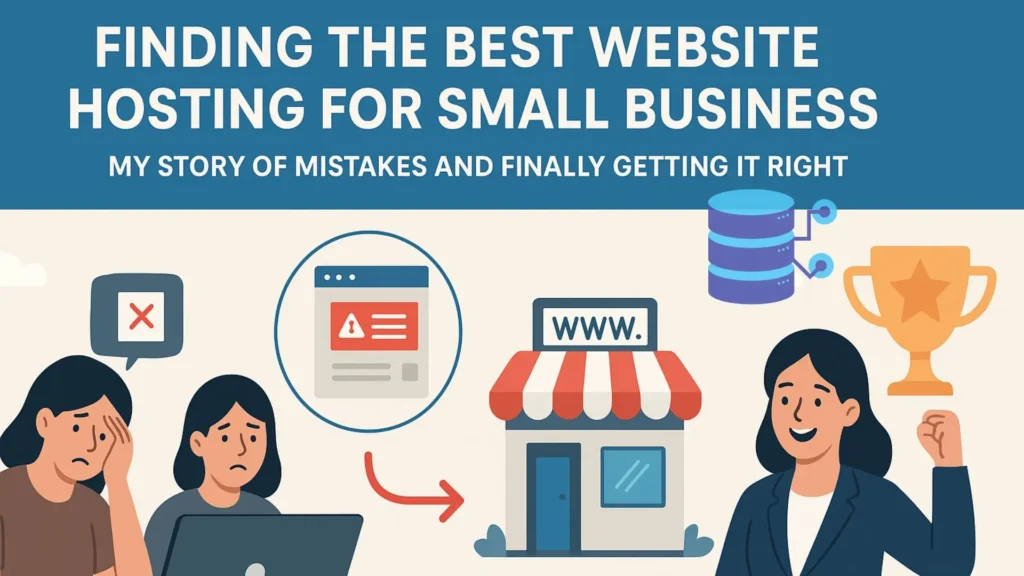

I will always remember that sensation .on a Sunday at 11 p.m. , i was ready to unveil my first – ever small business website, a project had dedicated another of my life to. i shared the links with a few close pals after clicking “publish” holding my breath. for roughly five minutes , there was lot of excitement.
my phone buzzed after that.
“hey, is your website down ? I’m receiving an odd error.my heart fell. I scrambled to reload the page . nothing . all i could see was a white, blank screen . the $3 per month ‘UBEATABLE’ hosting offer i had discovered, with which i was really pleased due to it’s affordability, had just removed “
this evening served as my severe introduction to a basic reality that i know teach to all entrepreneurs selecting the best website hosting for small businesses is one of the most important business decisions you’ll make ,it’s not just a modest technical effort . your host serves as the cornerstone of your website, which is your online storefront . no matter how lovely see your storefront seem. a poor foundation will eventually give way
i went in to a rabbit hole after that incident. along the way , i tested speeds, moved sites , spent hours on support chats, and yes. i broke a few more things . I’ve discovered what really counts when searching for the best hosting for small business websites , and more significantly, how to differentiate real value from marketing fluff.
The outcome of that journey is this guide, which is straightforward experience- based road map to assist you in selecting a host who will encourage rather than limit your growth.
What Does Web Hosting Actually do? (And Why Should You Care?)
let’s clarify what you are really paying for before diving in to the various kinds . i used to believe that hosting only served as a “place” for my files. it goes much beyond that .
consider you are as a residence. the furniture, paint, and decor are all part of the design, content and images. the house’s foundation, plumbing , electrical grid and security system are all part of web hosting , no matter how beautiful your furniture is, no one would want to come if the areas is marshy or the electricity is inconsistent .
you are renting a space on a sophisticated computer known as a server when you pay for hosting . however you also have to pay for
- the proportion of your time website is available is known as it’s uptime. the absolute you should minimum you should accept is 99.9%. my nightmare around two in the morning was a perfect example of low uptime.
- speed : the speed as which your pages load. this has a significant impact on Google rankings and user experience . Your conversion rates can be severely impacted by a one – second delay.
- support : you need an experienced someone to assist you quickly when things go wrong , as they will. the most important lesson I learned from my first hosting failure was this.
- security : defense against malware, hackers, and other online threats . customer trust can be completely destroyed overnight by a breach.
- resources : the quantity of RAM, CPU, and storage that your website has access to. if you cut shortcuts here your website will suffer as more people see it .
my perspective was entirely altered when i realized this. I began searching for the best value instead of the cheapest options.
The 5 Main Types of Hosting: Finding Your Digital “Home”
most people become overwhelmed at this point. the secret is to match the kind of hosting to the size of goals of your company .selecting a large server for a new blog is similar to renting a warehouse for a lemonade stand . this is my analysis base on my own experience.
1. Shared Hosting: The Affordable Apartment Building
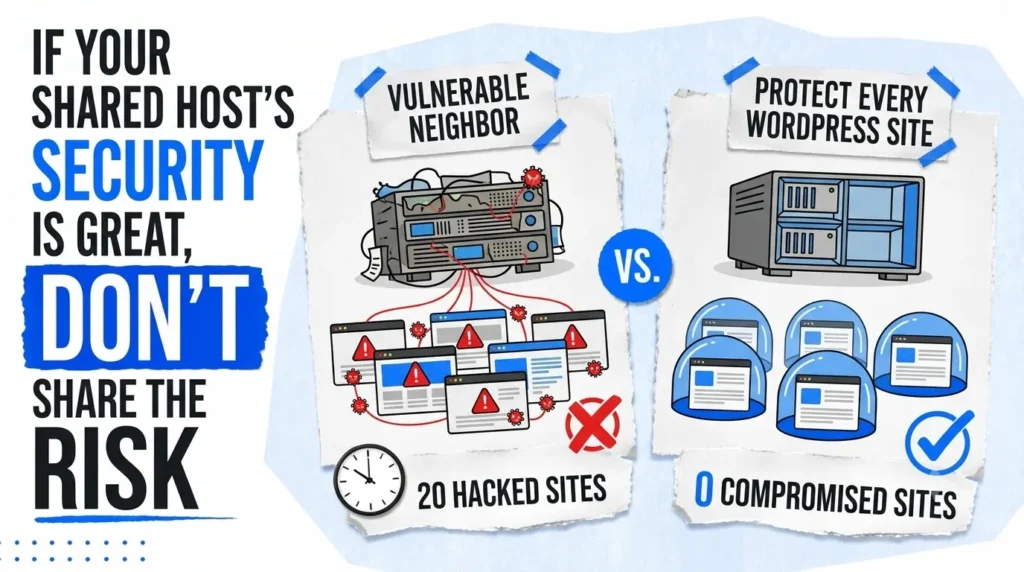
my experience began here. I used a cheap shared hosting package for my first website. it was alright for a while . it was similar to living n a crowded apartment complex.it was reasonably priced , but you had to share all the utilities (such as power and water) with your neighbors.
how it operates : hundreds or even thousands of other websites share a server with your website. RAM, CPU, and bandwidth are all shared by all of you
the positive
- very cheap : usually between $3 and $10 a month.
- simple to use : most come with one click installers for WordPress, which was a life server when i was just learning how to install WordPress for beginners.
- responsible for you : server maintenance is handled by the hosting provider.
the unsatisfactory
- the bad neighbor affect : every website on your server may experience a slowdown if another site experiences a significant increase in traffic (such as going viral) . this felt like intermittent , inexplicable slowdown for me .
- restricted resources : your finances are limited . you will soon reach a ceiling if your website expands.
- security : one site vulnerability may have an impact on other sites.
ideal for : new blogs, basic local business brochure websites, or anyone experimenting with a low- traffic idea. you will probably outgrow it , but it’s wonderful starting point.
2. Virtual Private Server (VPS) Hosting: Your Own Townhouse
my experience : shared hosting became a bottlenecks as my website began to receive steady traffic. when i switch to a VPS, the change was enormous. it was like moving into my own townhouse after leaving that noisy apartment. i didn’t have any noisy neighbors and had my own specialized resources .
how it operates : a real server is divided in to multiple private , virtual sections. you receive a guaranteed portion of CPU and RAM.
the positive
dedicated resources : the functionality of your website is dependable and consistent .the unexpected slowdowns vanished.
more control : you may tailor your server environment to meet your unique requirements.
scalable : as your company expands, upgrading your resources is significantly simpler.
the unsatisfactory
higher price : usually between $20 to $80 each month.
more technical : although there are “managed VPS” choices, they can still seem a little more complicated than shared hosting
ideal for : established blogs , expanding e-commerce sites or companies in need of dependable performance . for small business that is establishing itself and expanding slowly. this is frequently the sweet spot.
The scalable power grid : cloud hosting
my experience : i once conducted a marketing campaign that significantly increased my visitors. despite being good, my VPS began to get hot. it was a sudden realization when a buddy suggested cloud hosting. it’s similar to using the city’s whole grid rather than just the generator in your home. another power plant immediately takes over if the first one fails.
how it operates : a large network system of servers ( referred to as “cloud” ) hosts your website. your website immediately relocated to a different server if there is a problem with one.
the positive
amazing dependability : your website hardly ever goes down.
effortless scalability : it can effortlessly manage large , unexpected spikes in traffic.
pay as you go : you frequently only pay for the resources you use , which can include.
the unsatisfactory
costs can be unpredictable : your bill may increase if there is a significant continuous increase in traffic.
can be complicated : for novices , the pricing schemes and setup may be intimidating.
ideal for : companies with unpredictable traffic , rapidly expanding startups , or anyone who finds even a minute of downtime intolerable.
The Full-Service Concierge: WordPress Managed Hosting
My experience : for me , this was the biggest game -changer. as my company expanded , i discovered that i was spending more time as a website technician , handling upgrades, backups and speed adjustments ,and less time as a business owner . it was like hiring a full time building manager. security guards and maintenance team when i close to test managed WordPress hosting. all of a sudden , my time and tranquility returned.
how it operates : this is high ed service on servers that have been optimized for WordPress , and the host takes care of all the technical details , including speed security upgrades and backups.
the positive
lightning fast speeds : everything is optimized for WordPress. the difference in loading times was noticeable immediately, which is a huge part of knowing how to speed up your WordPress website
top-tier security : they proactively address security risks unique to WordPress.
professional assistance : WordPress experts make up the support team . speaking with someone who is familiar with the platform is a relief.
automated backups and staging : one-click restore points and safe staging environments to test changes are absolute lifesavers and a core part of how to secure your WordPress website
the unsatisfactory
premium cost : $25 to $100 or more per month
WordPress only : these plans do not allow you to host other kinds of websites.
ideal for : any company that uses WordPress and prioritizes performance , security and time .this is an investment worth making your website worth making if your website is your main source of income
A Brief, Personal View of the Hosting Environment
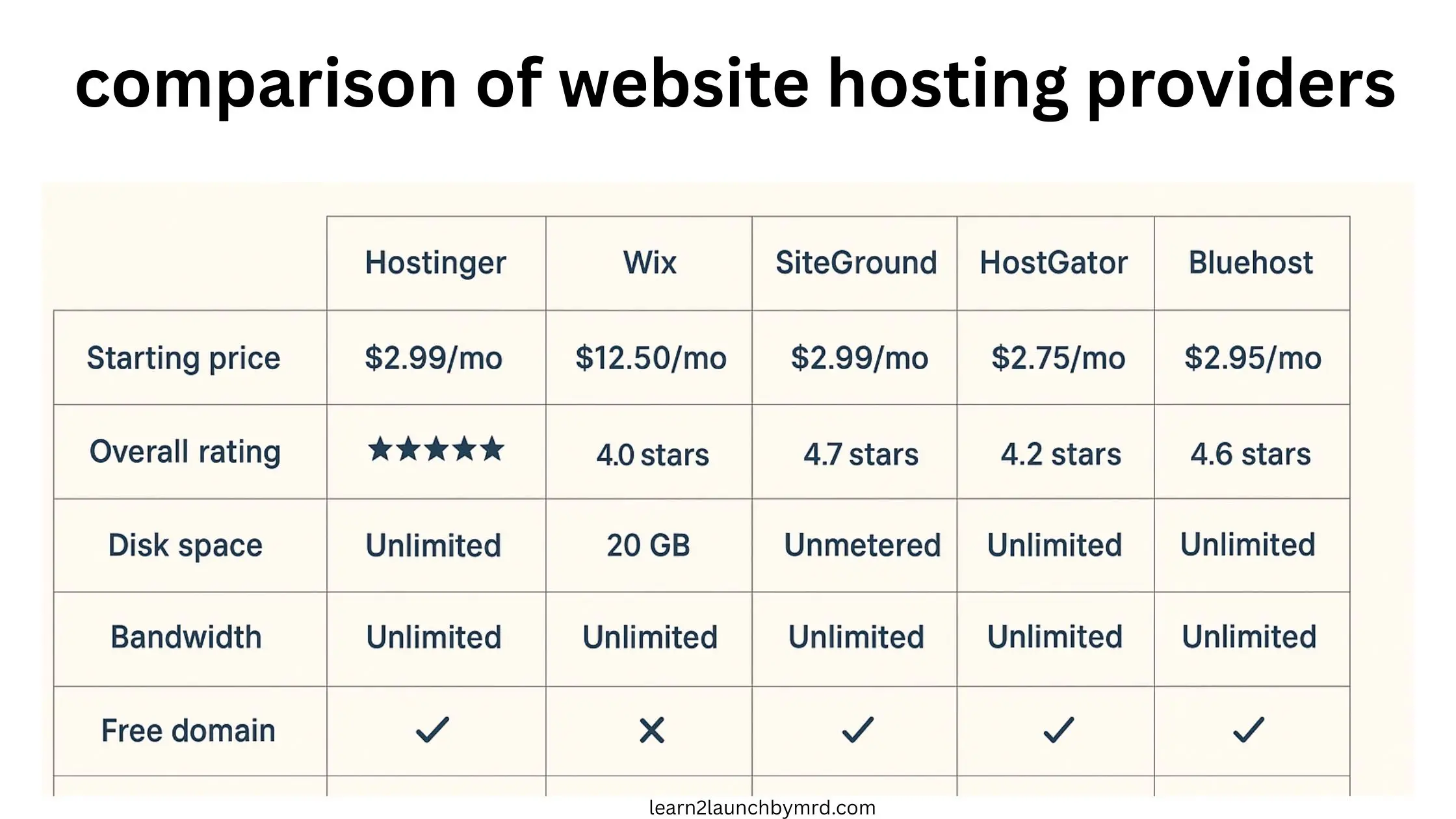
My experience has shown me that the “best” host is totally dependent on your objectives. Based on my experience, let me analyze a few important players:
Hostinger : I now choose this since it strikes a mix between robust features and price. It’s ideal if you want an affordable, robust toolkit for creating your WordPress website.
I consider Squarespace and Wix to be the all-in-one art studios. In a lovely, closed bundle, they offer the hosting, builder, and templates. They’re great for novices who don’t intend on complicated adjustments and want a beautiful, design-focused website fast. Less flexibility in comparison to WordPress is the alternative.
SiteGround: Based on my testing, SiteGround is a powerful WordPress performance tool. They have the best support in the industry, and their speed and security are of the highest caliber. You pay more for it, but if WordPress is essential to your expanding company and you appreciate professional assistance, it’s worth it.
Bluehost: Officially recommended by WordPress.org, Bluehost is a popular starting point that makes getting a WordPress website online very easy. It’s a good shared hosting option, but be ready for a sharp increase in renewal costs.
My Personal Checklist: What I Look For in a Host Now
After my rocky start, I developed a non-negotiable checklist. This is what I use to evaluate any new business website hosting providers.
- Customer Support That Actually Supports: This is my number one priority. I now test support before I buy. I jump on live chat and ask a semi-technical question. The speed and quality of the answer tell me everything. Are they patient? Knowledgeable? Or just copying and pasting from a script?
- SSD Storage is Non-Negotiable: This is a technical spec that has a real-world impact. SSD (Solid State Drive) storage is exponentially faster than old-fashioned HDD storage. It’s the difference between a website that loads instantly and one that chugs. Any host not using SSD in 2024 is behind the times.
- A Real Uptime Guarantee: Look for a contractual guarantee of 99.9% or higher. Promises are cheap; a guarantee shows they’re confident enough in their service to put it in writing.
- Free SSL Certificate: This is the little padlock icon in the browser bar. It encrypts data and is essential for security and SEO. It should be free and easy to install. If a host charges for this, it’s a red flag.
- Automated, Easy Backups: My early anxiety was all about “what if I break something?” Automated daily or weekly backups are your undo button. Make sure you know how to restore your site with a single click.
- A User-Friendly Control Panel: I need a dashboard that makes sense. cPanel is the industry standard, but some hosts have their own custom panels. I’m currently using Hostinger, and I’ve found their hPanel to be very intuitive and easy to navigate, which makes those quick settings after installing WordPress a breeze to manage.
My Hosting Journey: From Chaos to (Finally) Calm
I’ve tried several of the well-known brands. This is my honest, experience-based opinion.
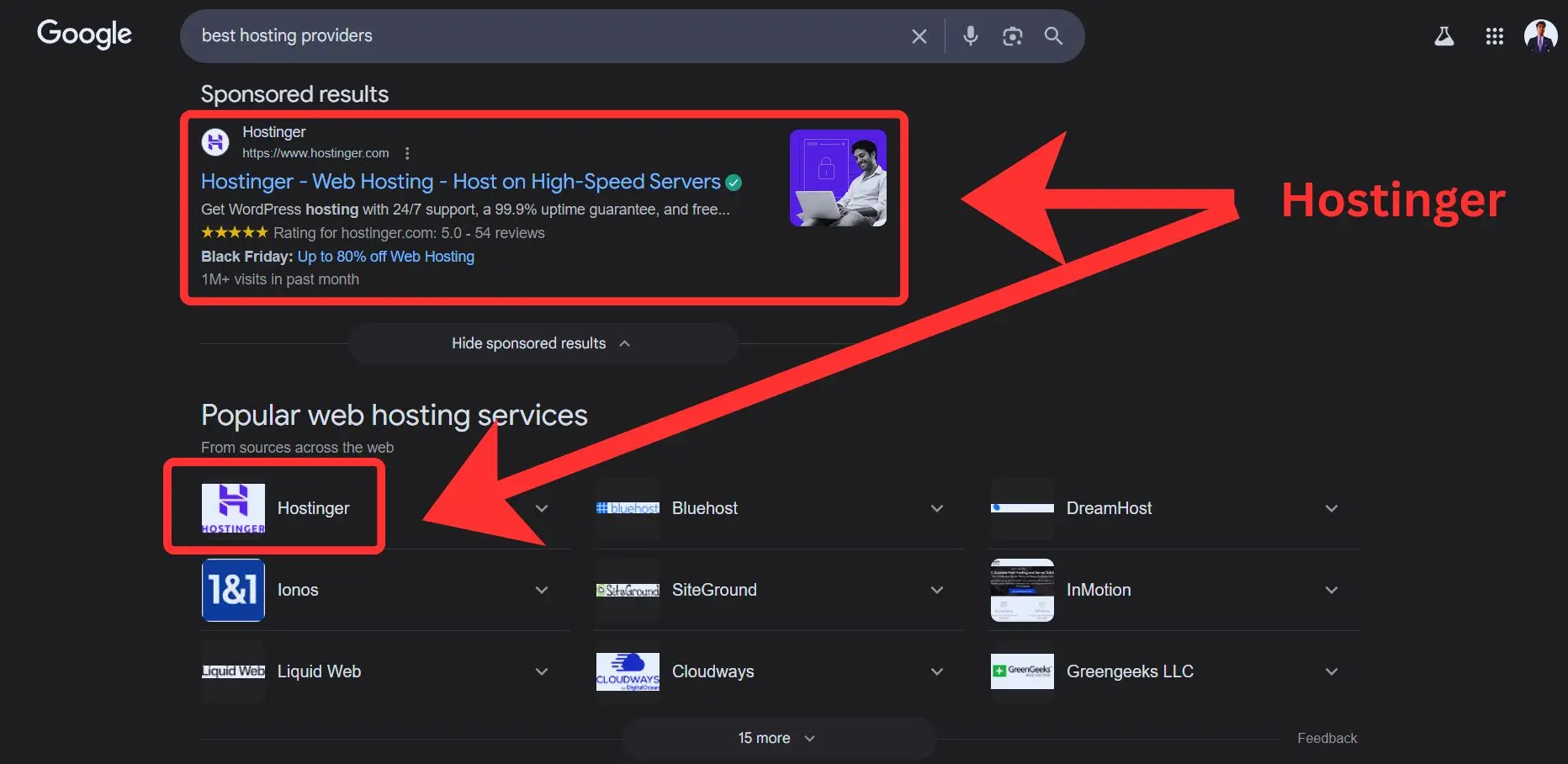
The consequences of My First Host: I was using a very inexpensive service that I discovered via a Google advertisement. The service was terrible, but the pricing was reasonable. The uptime was unbelievable, the assistance was nonexistent, and the poor speeds were undoubtedly affecting my Google rankings. I discovered that, when it comes to sales and mental stability, the least priced option is nearly always the most costly in the long run.
The Middle Ground Experiment: Attracted by their marketing, I switched to one of the most well-known business website hosting companies. Without a doubt, it was superior. The uptime was respectable and the one-click WordPress installation was successful. However, I thought the renewal pricing was a terrible surprise, and their upselling during checkout was extremely forceful. Although I occasionally felt like I was being hurried out of the conversation, the service was excellent.
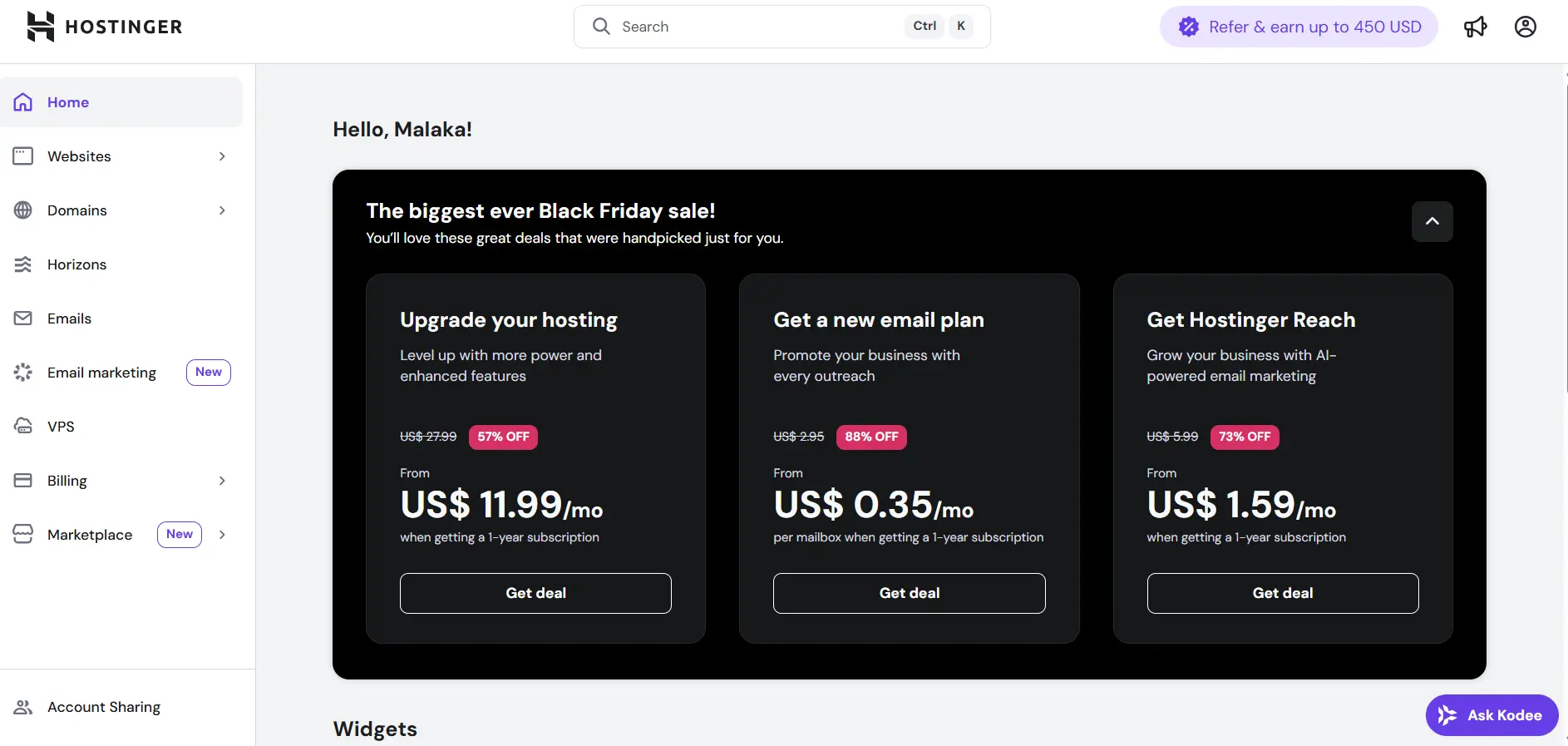
Locating My Present Residence: Hostinger
I made the decision to conduct extensive study following my most recent renewal shock. I required performance and affordability to be balanced. I continued seeing reviews of Hostinger, which were frequently commended for its worth. Given my history with “cheap” providers, I was suspicious, but the features for the cost were
I made the decision to move one of my smaller websites over. I’m quite happy with how easy the procedure went. Here’s what I think so far:
The Price Is Outstanding: Although it’s very inexpensive for small company web hosting, it doesn’t seem cheap. They offer several extras in their base plan that others charge extra for, and the performance is good.
hPanel is a Win: As I mentioned, their custom control panel is clean, modern, and easy to use. Finding things is simple, whether I’m managing emails, installing WordPress, or setting up a subdomain as I was when learning how to design a website layout with WordPress.
Performance has been excellent: Since moving, there hasn’t been any downtime, and my website loads swiftly. From the start, the speed was a pleasant increase.
The Support Experience: I’ve only needed to get in touch with them a few occasions, and both of those encounters went well. My problems were quickly fixed by the helpful representatives.
No host is perfect or a magic bullet. However, Hostinger has achieved a fantastic balance between cost and capability for my current needs. I can now concentrate on producing content and expanding my business instead of worrying about my server because it has provided me a solid, quick base without breaking the cash.
Your 5-Step Plan to Finding Your Perfect Host
o1 – I’ve tried several of the well-known brands. This is my honest, experience-based opinion.0 Be brutally honest. Are you tech-comfortable, or does the word “DNS” make you sweat? If you’re not technical, lean towards hosts known for great support and easy-to-use dashboards. This will help you avoid the 10 common WordPress mistakes beginners make related to technical overwhelm.
02 – Identify the stage of your business. Are you just beginning with a basic concept? Or are you moving an expanding, profitable website? Right now, your five-year goal is not as crucial as your current reality.
03 – Establish a reasonable budget. Pay attention to the renewal costs rather than the introductory offers. Are you able to afford $25 a month? Or is $10 your maximum? Be truthful. Every pricing range has nice possibilities.
04 – Choose a Hosting Type Based on Your Stage.
I’m just getting started and experimenting : Shared Hosting
Growing steadily and requiring dependability : A value-driven host such as Hostinger or a VPS
Business is expanding, and downtime equals lost revenue : Cloud hosting or managed WordPress
05 – Complete the Support Test. Use live chat to discuss your top two options before entering your credit card. “Can you help me understand your backup policy?” is an example of a question to ask them. It will soon be clear who won.
Quick answers about website hosting
What is the best website hosting for small businesses?
Hostinger, Bluehost, and SiteGround are top picks for small businesses due to affordability, speed, and reliable uptime.
What type of hosting is best for small businesses on a budget?
For most small businesses, affordable small business web hosting options like shared or VPS hosting are ideal. Shared hosting is cheapest, while VPS offers more power and stability as your business grows. Some business website hosting providers even include free domain registration and SSL in the first year.
What’s the difference between shared, VPS, and dedicated hosting?
Shared hosting: Multiple sites share one server (budget-friendly).
VPS hosting: Dedicated space on a shared server (more power).
Dedicated hosting: Entire server for your site (for large sites).
Can I switch hosting providers later if I’m not satisfied?
Absolutely. You can migrate your website anytime. Many hosts even offer free migration services to make the switch simple and risk-free.
The Foundation for Everything Else
Choosing the best website hosting for small business is the first and most critical step in your online journey. It’s the foundation upon which you’ll install WordPress, choose your best WordPress themes for beginners, select your must have WordPress plugins for beginners, and build your beautiful website layout.
The first and most important step in your online journey is selecting the best small business website hosting. It serves as the basis for installing WordPress, selecting the best WordPress themes for novices, picking the essential WordPress plugins for novices, and creating your stunning website design.
Your dream, your business, and your future customers deserve a home that’s always open for business. Choose wisely, build with confidence, and get back to doing what you do best—bringing your vision to life. For a complete step-by-step guide to putting all the pieces together, check out my pillar post on how to create a WordPress website for beginners.