

In 2025, performance and Core Web Vitals are more important than ever — Google now prioritizes fast-loading, mobile-optimized themes.
Most beginners make one silent mistake that costs them traffic before they even publish their first post — choosing the wrong WordPress theme.
Your theme doesn’t just decide how your website looks — it controls your site’s speed, SEO, and even how trustworthy it feels to visitors. In this guide, you’ll discover how to pick the best WordPress theme for beginners so you can build a beautiful, fast, and professional site from day one.
Choosing the best WordPress themes for beginners isn’t just about finding a nice design. It’s about picking a theme that helps your website perform better, rank higher, and grow faster.
A good theme influences:
- How quickly your pages load.
- How well your site adapts to mobile devices.
- How easy it is to customize and add features.
In this guide, you’ll learn:
✅ What a WordPress theme actually does (and why it matters)
✅ The difference between free and premium themes
✅ 10 key factors to look for before choosing
✅ My top recommended WordPress themes for beginners (2025 Edition)
✅ Plus, how to install, optimize, and avoid common mistakes
Let’s dive right in — and by the end, you’ll know exactly how to choose a theme that makes your website look professional and perform beautifully.
If you haven’t set up WordPress yet, check out my beginner’s guide on installing WordPress.
Table of Contents
What Is a WordPress Theme? (And Why It Matters)
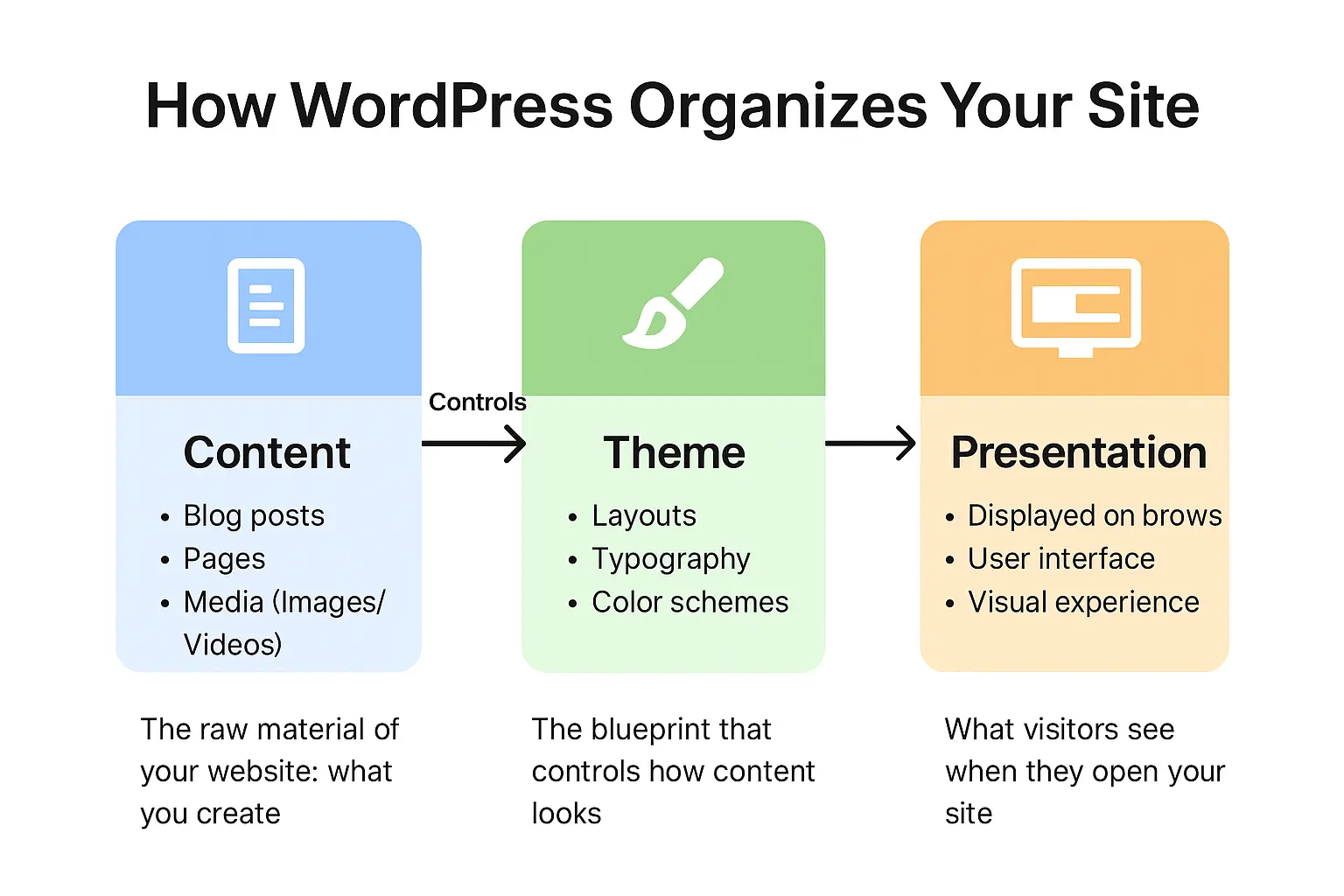
A WordPress theme is the backbone of your website’s design. It controls how your pages, posts, headers, footers, and menus appear to your visitors.
Think of it like this:
Your theme is your website’s foundation and personality combined.
It determines your layout, typography, colors, and structure — while also affecting how fast your pages load and how users experience your content.
A well-coded, lightweight theme can make your website lightning-fast and SEO-friendly. A heavy, poorly optimized one can slow it down and frustrate visitors.
That’s why picking the best WordPress theme for beginners is so important — you’re not just choosing a “look.” You’re choosing the performance, user experience, and future growth of your entire website.
Once you’ve chosen your theme, make sure you add these must-have plugins to enhance performance and security.
Free vs Premium WordPress Themes: Which Is Better for You?
Let’s be honest — one of the first questions beginners ask is,
“Should I use a free WordPress theme or buy a premium one?”
The answer? It depends on your goals.
Here’s a quick comparison to help you decide .
| Aspect | Free Themes | Premium Themes |
|---|---|---|
| Cost | Free | Paid (usually $30–$100) |
| Features | Limited customization | Full control, advanced features |
| Support | Community forums | Developer & live chat support |
| Updates | Occasional | Frequent & automatic |
| Ideal For | Beginners, testing | Business, professional sites |
For beginners, I recommend starting with a free lightweight theme like Astra, Kadence, or GeneratePress.
They’re fast, clean, and easy to set up — no code required. Once you grow, you can always upgrade to the pro version for more control and features.
10 Important Factors to Consider When Choosing a WordPress Theme
When you’re picking your first theme, don’t just fall in love with a pretty demo. Focus on what actually matters for performance, usability, and long-term success.
Here are 10 things every beginner should check before hitting “Install.”
1. Speed and Performance
A slow theme will kill your traffic before it even starts.
Choose lightweight themes that load in under 2 seconds.
Avoid overly flashy designs with tons of sliders and animations.
You can test any theme’s speed using GTmetrix or PageSpeed Insights before installing.
Themes like Astra, GeneratePress, and Blocksy are famous for their speed — perfect for beginners who want a fast start.
2. Mobile Responsiveness
More than 60% of web traffic comes from mobile devices.
That means your site must look great on every screen — from phones to tablets.
Always test your theme’s mobile demo before installing. Google also prioritizes mobile-friendly websites, so this affects your SEO too.
3. SEO-Friendliness
Your theme’s code structure influences how search engines read your site.
Choose one that is SEO-optimized, schema-ready, and compatible with SEO plugins like Rank Math or Yoast SEO.
A fast, clean, mobile-friendly theme automatically gives your blog a boost in Google rankings.
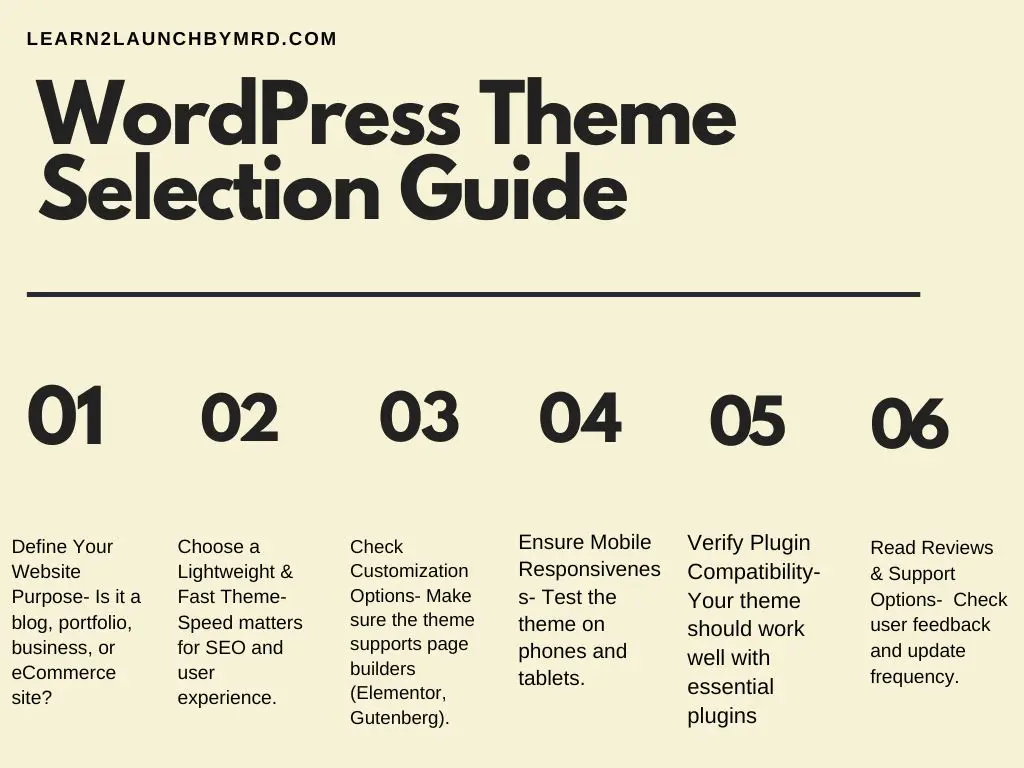
4. Ease of Customization
You don’t need to be a coder to customize your website.
Look for themes that work seamlessly with:
- WordPress Customizer
- Elementor or Bricks
- Gutenberg Block Editor
This way, you can drag, drop, and design without writing a single line of code.
5. Support and Updates
Good support saves time and frustration.
A theme that receives regular updates stays compatible with WordPress core and other plugins.
Always check the “Last Updated” date on WordPress.org — if it hasn’t been updated in over a year, skip it.
6. Compatibility with Plugins
Plugins are what give your WordPress site extra power — contact forms, SEO tools, analytics, and more.
The best WordPress themes for beginners are compatible with all popular plugins like:
- WooCommerce
- Contact Form 7
- WPForms
- Elementor
- Rank Math SEO
7. Security and Code Quality
Never install themes from untrusted sources or pirated sites.
They often include malware that can harm your site.
Stick with themes from WordPress.org, ThemeForest, or trusted developers.
A clean, secure theme ensures long-term stability and peace of mind.
8. Design Flexibility
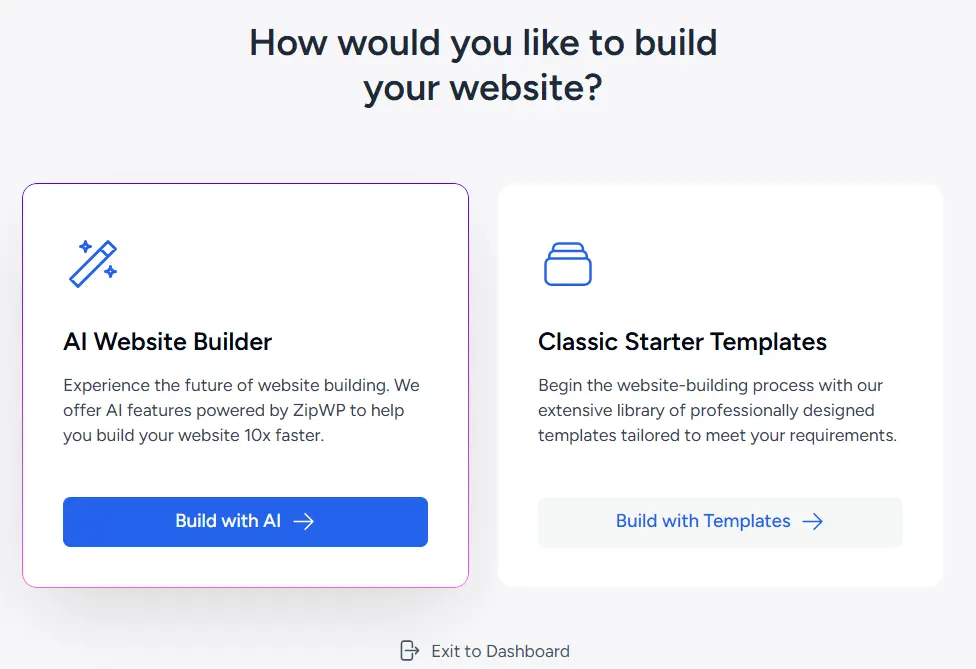
Look for themes that offer starter templates for your niche.
For example:
- Bloggers → Astra or Kadence
- Business → Neve or OceanWP
- Portfolio → Blocksy or GeneratePress
Starter sites make it easier to get a professional look without hiring a designer.
9. Ratings and Reviews
Before installing, scroll down on WordPress.org and read the ratings & user feedback.
A theme with 4.5+ stars and frequent updates is a strong sign of reliability.
10. Demo Import and Documentation
Beginner-friendly themes often include one-click demo imports and clear documentation.
This helps you set up your site quickly and learn as you go.
Recommended WordPress Themes for Beginners (2025 Edition)
Here are the top 6 best WordPress themes for beginners in 2025 — fast, customizable, and trusted by millions.
| Theme | Best For | Key Features | Price |
|---|---|---|---|
| Astra | All-purpose websites | Lightweight, SEO-friendly, 240+ starter templates | Free / Pro $59 |
| GeneratePress | Bloggers & small business | Ultra-fast, minimal, mobile-friendly | Free / Premium $59 |
| Kadence | Modern websites | Drag & drop header/footer builder, Gutenberg-ready | Free / Pro $79 |
| Blocksy | Creative professionals | Built for speed, dark mode, WooCommerce ready | Free / Pro $49 |
| OceanWP | Business & eCommerce | Feature-rich, WooCommerce integration | Free / Pro $43 |
| Neve | Entrepreneurs & agencies | 100+ demo sites, flexible layout system | Free / Pro $69 |
Best Value Pick: Astra
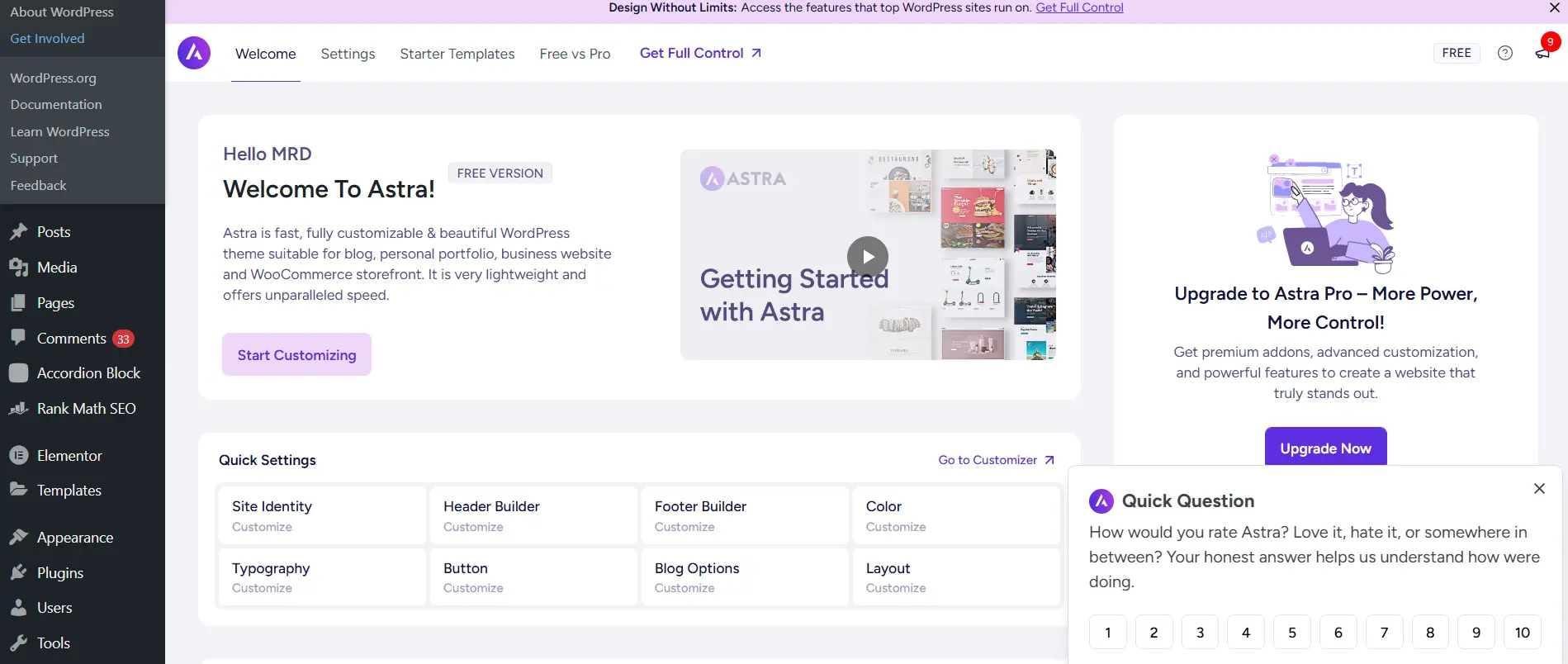
If I had to recommend one theme for absolute beginners, it would be Astra.
It’s lightweight, SEO-optimized, and offers beautiful starter templates for blogs, portfolios, and online stores.
It also integrates seamlessly with Elementor and Block Editor — making customization effortless.
Astra Theme Review: Pros and Cons
| Pros | Cons |
|---|---|
| Lightning Fast Performance: Loads under 1 second, great for SEO and user experience. | Some advanced features require the Pro version. |
| Highly Customizable: Works smoothly with Elementor, Gutenberg, and Beaver Builder. | The amount of options can feel a bit overwhelming for total beginners at first. |
| Beautiful Starter Templates: 180+ ready-to-import designs for blogs, businesses, and stores. | Free version has limited site templates compared to Pro. |
| Lightweight and Clean Code: Keeps your site secure and fast. | Annual pricing for Pro plan (no lifetime option). |
| Strong Community & Support: Excellent documentation and responsive support team. | Requires separate plugins (like Spectra) for advanced features. |
Recommended For: Beginners, bloggers, small business owners, and freelancers.
🟩 Try Astra Free →
🟦 View Astra Pro →
Step-by-Step: How to Install and Activate a WordPress Theme
Installing a theme on WordPress is simple. Just follow these steps:
- Log in to your WordPress Dashboard
- Go to Appearance → Themes → Add New
- Search for your theme (e.g., “Astra”)
- Click Install → Activate
- Customize using the WordPress Customizer or Page Builder
If you’ve purchased a premium theme, upload the .zip file directly through the same “Add New” section.
About Child Themes
A child theme is a mini-version of your theme that protects your customizations when updates roll out.
If you plan to tweak CSS or PHP, always create a child theme first.
Common Mistakes Beginners Make When Choosing a Theme
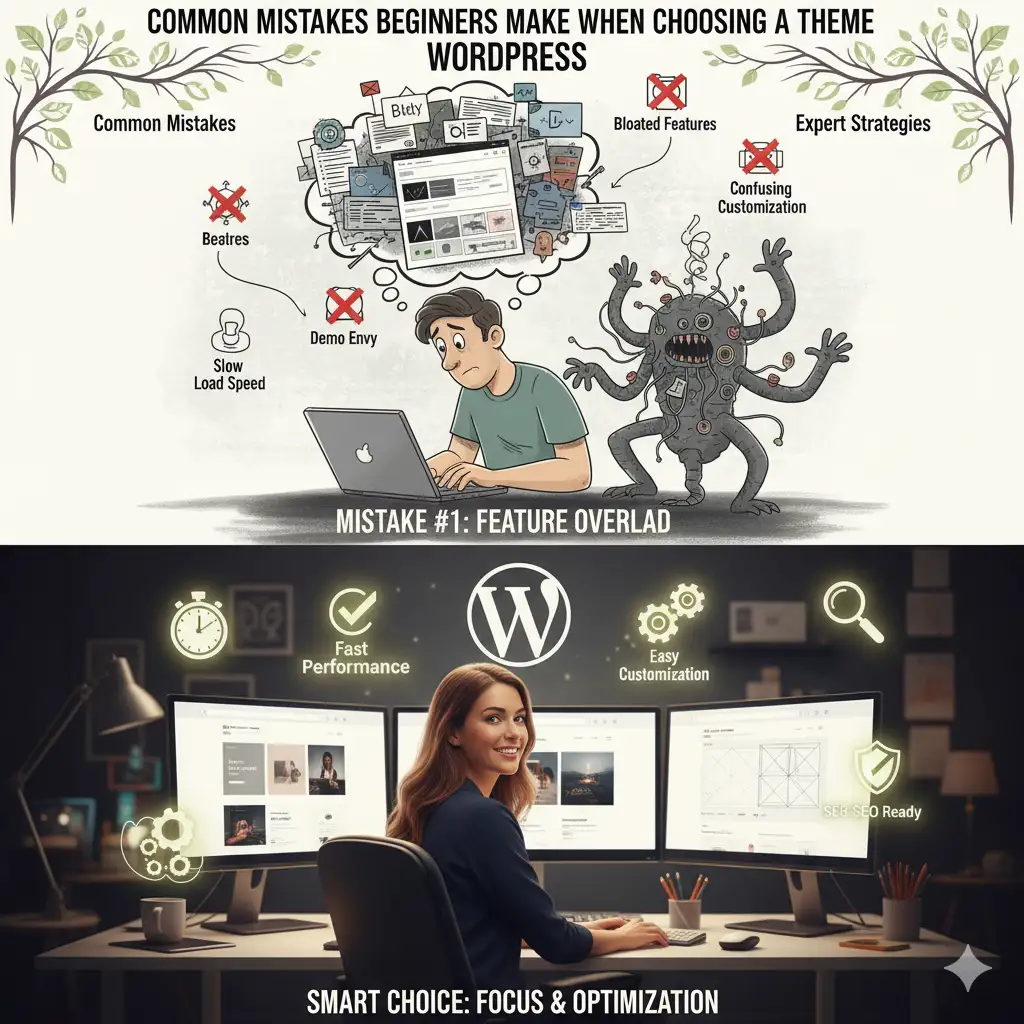
Let’s be real — everyone makes these mistakes at first. Avoid them and you’ll save hours (and headaches).
- Choosing purely on looks — ignoring speed and usability.
- Installing too many demos — it clutters your site.
- Not testing on mobile — your design might break.
- Using nulled (pirated) themes — risky and unsafe.
- Ignoring performance tests — slow sites rank poorly.
Keep it simple, and always test before going live.
Quick Theme Optimization Tips
Once your theme is ready, here are a few ways to make your website lightning-fast and SEO-ready.
1. Test Your Site’s Speed
Use tools like GTmetrix, Pingdom, or PageSpeed Insights to monitor performance regularly.
2. Use a Caching Plugin
Install WP Rocket or LiteSpeed Cache to reduce loading times.
3. Optimize Images
Compress images using ShortPixel, Imagify, or TinyPNG to reduce size without losing quality.
4. Keep Only Necessary Plugins
Too many plugins slow down your site.
Stick to essentials — SEO, cache, forms, and security.
5. Update Regularly
Always update your theme, plugins, and WordPress core to keep your site secure and fast.
What is the best WordPress theme for beginners?
The best WordPress themes for beginners are those that are lightweight, easy to customize, and come with starter templates. Popular options include Astra, GeneratePress, OceanWP, and Neve — all of which work well with drag-and-drop builders.
Are free WordPress themes good for beginners?
Yes! Many free WordPress themes like Astra Free or Neve Free are perfect for beginners. They offer professional designs, fast performance, and basic customization options — ideal when you’re just starting out.
How do I choose the right WordPress theme?
When choosing a WordPress theme, focus on simplicity, speed, responsiveness, and compatibility with plugins like Elementor or Gutenberg. Also, check for regular updates and good customer support.
What’s the fastest theme for WordPress beginners?
Astra and GeneratePress are among the fastest WordPress themes for beginners. They’re lightweight, SEO-friendly, and optimized for performance.
Can I change my WordPress theme later?
Yes, you can change your WordPress theme anytime. However, you may need to adjust layouts or reassign widgets after switching. Always back up your website before changing your theme.
Final Thoughts: Choose Simplicity + Flexibility
Choosing the best WordPress theme for beginners doesn’t need to be complicated.
It’s about balancing design, speed, and simplicity.
Start with a lightweight, well-supported theme like Astra, GeneratePress, or Kadence.
They’re beginner-friendly, fast, and built to scale as your website grows.
Remember:
The best theme is not the one with the most features — it’s the one that helps you publish confidently, perform well, and focus on your content.
Once you find your perfect theme, everything else becomes easier — from SEO to user experience.
So go ahead, pick your favorite from this list, install it, and start building your online presence with confidence.
Your future readers (and Google) will thank you.
If you’re still in the setup phase, here’s a full guide on picking the perfect domain name for your website.